
Roadly – Building Construction & Civil Engineering WordPress Theme
- Home
- Roadly – Building Construction & Civil Engineering WordPress Theme
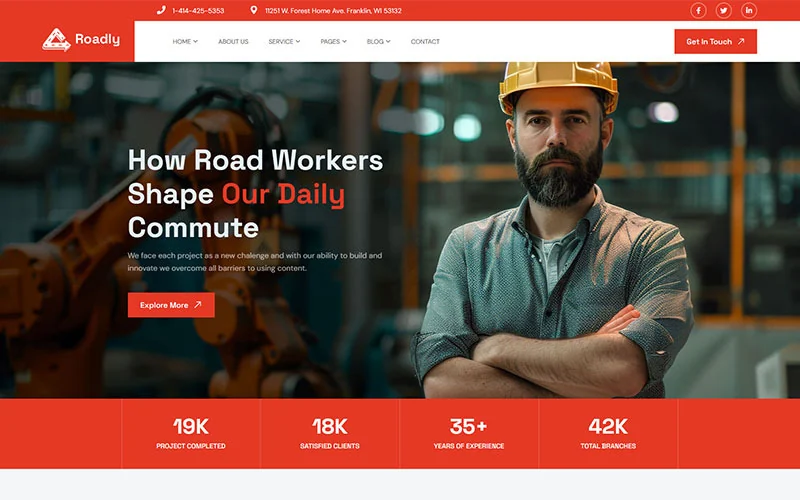
Highlighted Features:
- Free Installation Services. If You need
- 5+ Pre-built Homepages for Road & Infrastructure Businesses
- Built with Elementor Page Builder
- All Images & Icons Included.
- 100% Responsive & Mobile-Friendly
- Multiple Homepage & Inner Page Layouts
- SEO Optimized & Fast Loading
- One-Click Demo Import
- Regular Updates & Dedicated Support
- Cross-Browser Compatible
Roadly – Road Construction & Civil Engineering WordPress Theme
Build the future with Roadly, a powerful and modern WordPress theme tailored for road construction companies, civil engineering firms, contractors, infrastructure developers, and heavy equipment service providers. Whether you’re paving roads, managing infrastructure projects, or showcasing civil projects – Roadly offers a professional and easy-to-customize solution. Designed with a focus on user experience, Roadly is fully responsive, SEO-optimized, and compatible with Elementor page builder, making it perfect for both technical and non-technical users. With multiple homepage demos, service layouts, and inner pages, you can launch your website in minutes.
Perfect For:
- Road construction companies
- Civil engineering firms
- Contractors & builders
- Highway and bridge repair services
- Industrial & heavy equipment websites
- Infrastructure development agencies
Changelog
Update 14 May 2025
Minor bugs fixed Update WordPress Update All Plugin Fixed Others Issue Update Icon
Update 08 february 2025
Fixed The sibebar menu issue Update WordPress Update All Plugin
Update: 20-05-2026 Live Demo Fixed